Corporate Events
Indoor Team-Building Activities in Dubai: Plan for Your Group
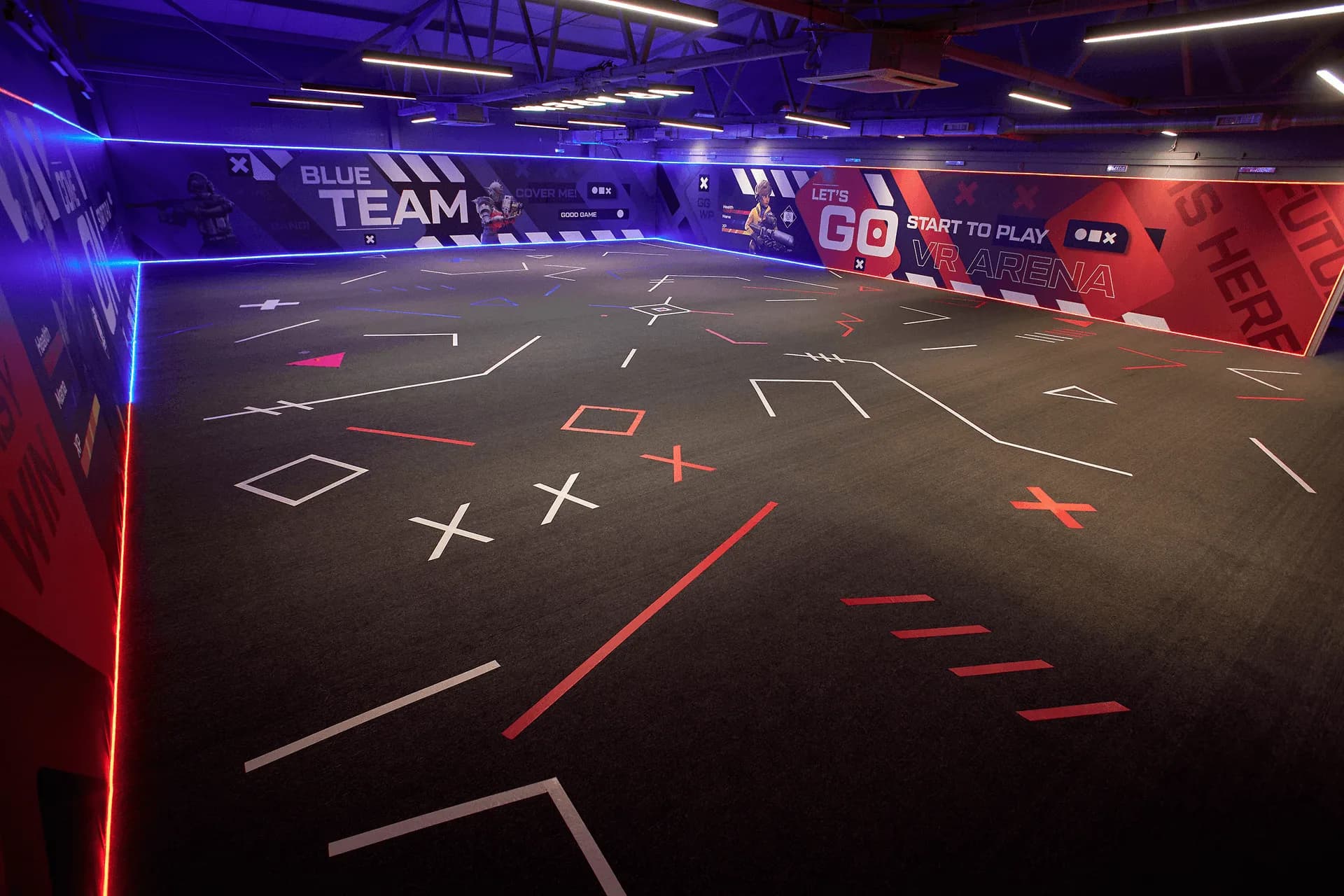
A good indoor team day gives everyone a useful role and enough time to join in. Before choosing an activity in Dubai, decide whether you want colleagues to get acquainted, practise communication or simply enjoy a shared break. The same activity can feel very different with six people and with thirty.
Use the ideas below to plan the format, then confirm the venue, facilitator and equipment needed. Suggested quizzes, challenges and schedules are planning examples; they are not a list of activities automatically included in a Pampa booking.
Choose an activity that fits the people attending
Ask about preferred activity levels, languages and access requirements before booking. Offer an equally worthwhile way to participate for anyone who does not want a headset, competitive game or physical challenge. A quiet briefing and clear instructions can be more useful than adding another activity.
- For introductions: paired interviews followed by a short introduction of each partner. Keep prompts friendly and optional.
- For communication: a tabletop building challenge where one colleague describes a design and others recreate it using simple materials.
- For shared problem solving: a short puzzle or quiz with mixed teams, written questions and time to discuss an answer.
- For an active shared experience: a suitable multiplayer VR game, subject to the operator's player limits and briefing.
- For reflection: a short discussion about what helped the group and one habit worth taking back to work.
Count simultaneous players, not just event guests
Pampa's published VR capacities are up to ten simultaneous players in Arena 1 and up to six in Arena 2, checked on 9 October 2026. Those limits describe an activity group; they are not the capacity of the whole event venue or a promise that any number of guests can rotate through one booking.
For six colleagues, ask whether Arena 2 and your chosen game suit the group. For ten, Arena 1 can accommodate the published maximum together, subject to the game and operational requirements. An eighteen-person team needs a different plan, such as smaller rotations plus a separate hosted activity for the colleagues waiting.
Confirm headset suitability, the chosen game, briefing and changeover time, and whether the quoted duration means booking time or actual play time. These details matter more than a headline hourly price.
Check Pampa's VR arenas, player limits and session options →
Worked rotation example: eighteen colleagues
Split eighteen people into three groups of six. Each group rotates through three stations: a VR activity, a tabletop challenge and a collaborative quiz. With three 30-minute rounds, every group visits every station once. That is 90 minutes of activity blocks, plus two five-minute changeovers, giving 100 minutes before the opening briefing and final discussion.
Each group gets one 30-minute VR station allocation in this example, not 30 minutes of guaranteed gameplay. Equipment fitting, instructions and reset time may use part of that block. The arena operator must approve the actual format and staffing, and the non-VR stations need their own space, materials and host.
Do not multiply a six-player booking into eighteen included guests without agreement. Ask for a quote covering the full event headcount, rotations and spaces. If everyone wants more playing time, extend the schedule or simplify the other activities rather than rushing the changeovers.
A sample two-hour team-day agenda
This illustrative agenda uses the eighteen-person rotation above. It is a planning outline to review with your organiser, not Pampa's standard session duration or a guaranteed two-hour package.
- 00:00–00:10 — welcome, explain the purpose and divide into three groups.
- 00:10–00:40 — first activity round.
- 00:40–00:45 — change stations.
- 00:45–01:15 — second activity round.
- 01:15–01:20 — change stations.
- 01:20–01:50 — third activity round.
- 01:50–02:00 — share highlights and close.
Give waiting time a purpose
With rotations, the rest of the group should have something planned to do. Arrange a separate activity or discussion space rather than asking people to queue beside the equipment. Keep refreshments away from the playing area and build longer breaks into a longer event.
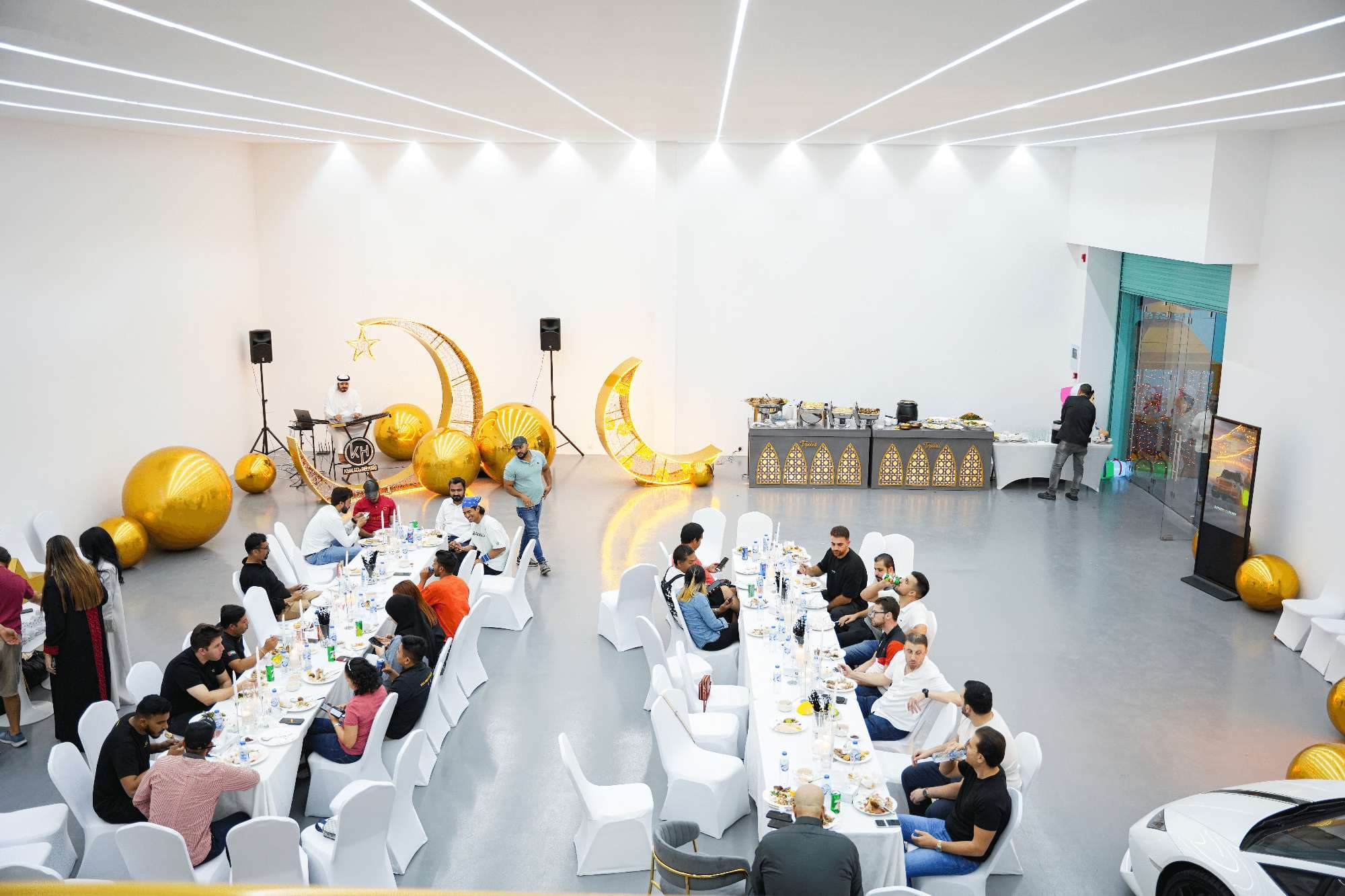
Pampa's Al Quoz venue has an upstairs café lounge and a flexible main event floor. Confirm which areas are included and suitable for your group, including access between floors. Published maximum capacities of 150 standing or 100 seated depend on layout; tables, activity zones, screens and walking routes all take space.
Compare the complete event quote
A VR session price alone does not establish the cost of a hosted corporate event. Ask for the room hire, activity booking, facilitators, equipment, refreshments and any branding or AV to be shown separately. Confirm VAT and any charges for extra time, supplier access or changes to the brief.
If a screen, microphone or media wall is important, specify it in the proposal. Pampa supports corporate setups and lists screens and media walls among the options to discuss; the exact equipment and support should be confirmed for your date.
- How many people can participate at once, and how long does each person get?
- Are the spaces exclusive, and where will other colleagues spend each round?
- Who leads the briefing and each non-VR station?
- Which activities can guests choose if they prefer not to use VR?
- What are the arrival, setup, finish and collection times?
- What total, payment schedule and change or cancellation terms will be confirmed in writing?
Turn the activity into a useful shared experience
Close with two simple questions: what helped your group work together, and what would you change next time? Keep participation voluntary and focus on the task rather than judging colleagues. No single activity guarantees better teamwork, but a clear purpose and thoughtful format make the day easier to enjoy.
Send Pampa your team size, preferred date, activity preferences and available time. We can discuss the venue setup and VR options, then confirm what is possible for your group.